Welcome screen
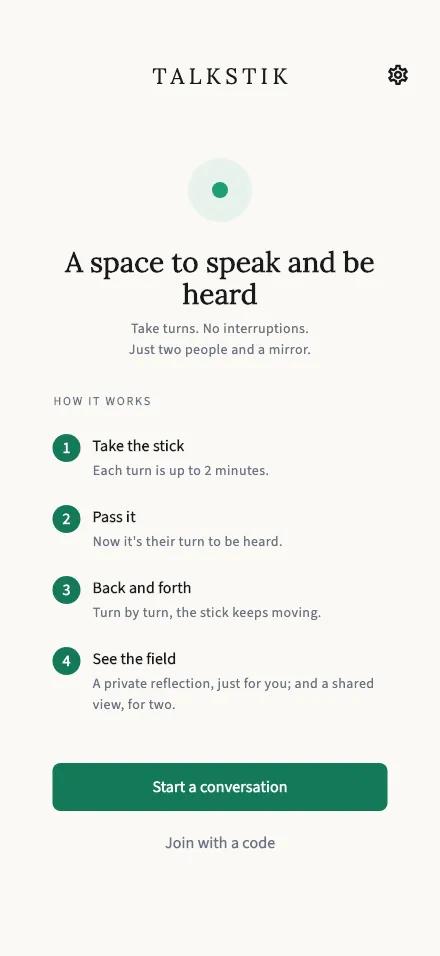
The first screen you see: how TalkStik works, plus buttons to start a session or join one with a code.
In-app route: /
How TalkStik works
Section titled “How TalkStik works”The welcome screen walks you through the whole idea in four steps:
- Take the stick — each turn is up to 2 minutes. While you hold the stick, you speak and your partner listens.
- Pass it — now it’s their turn to be heard.
- Back and forth — turn by turn, the stick keeps moving for as long as you both want.
- See the field — afterwards you each get a private reflection, just for you, and a shared view for two.
The two buttons
Section titled “The two buttons”- Start a conversation — creates a session and gives you a 6-character code to share with your partner. See Start a session.
- Explore without an account — jumps straight to joining a session with a code. You don’t need to sign up for anything to use TalkStik; see Join a session.