Update required
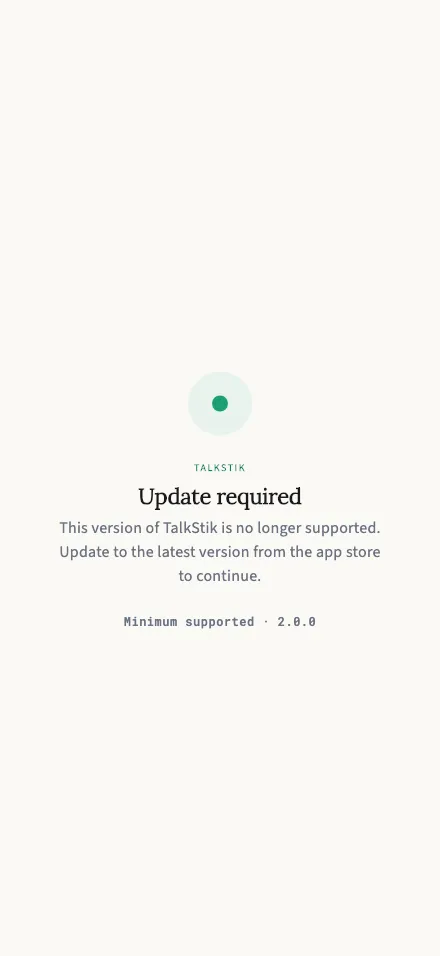
Appears when your version of TalkStik is too old to connect — install the latest update to continue.
Why you’re seeing this
Section titled “Why you’re seeing this”This version of TalkStik is too old to talk to our servers safely, so the app stops here until it’s updated. It isn’t an error and there’s nothing to fix on your end — it’s how we make sure everyone is on a version we can support.
What to do
Section titled “What to do”- Open the App Store (iPhone) or Google Play (Android).
- Search for TalkStik and tap Update.
- Reopen the app — you’ll be right back where you left off. Your account, sessions, and reports are untouched.
The screen shows the minimum supported version at the bottom, which support may ask you for if anything’s unclear.