Updated terms
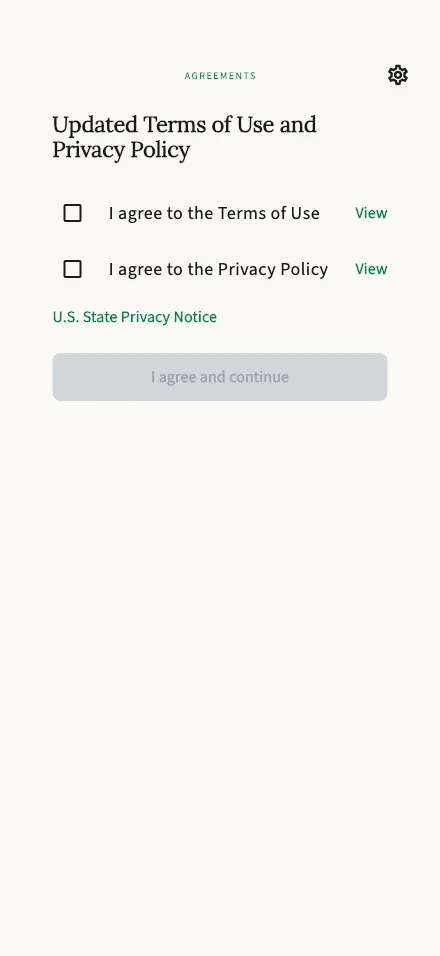
Appears when our Terms of Use or Privacy Policy have changed and need your agreement before you continue.
In-app route: /accept-agreements
Why am I seeing this?
Section titled “Why am I seeing this?”This screen appears when something about our agreements has changed since you last accepted them — usually because we’ve updated the Terms of Use or the Privacy Policy. It can also appear the first time you sign in with Apple or Google, to collect the confirmation we didn’t get during a regular sign-up.
You’ll only be asked about what’s actually new: if just the Privacy Policy changed, that’s the only box you’ll see.
What to do
Section titled “What to do”- Tap View next to each document to read it (there’s also a link to the U.S. State Privacy Notice).
- Tick the box for each updated document, and — if asked — confirm you’re 18 or older.
- Tap I agree and continue. You’re returned to whatever you were doing.
TalkStik won’t nag you again until the next time a document changes.