Join a session
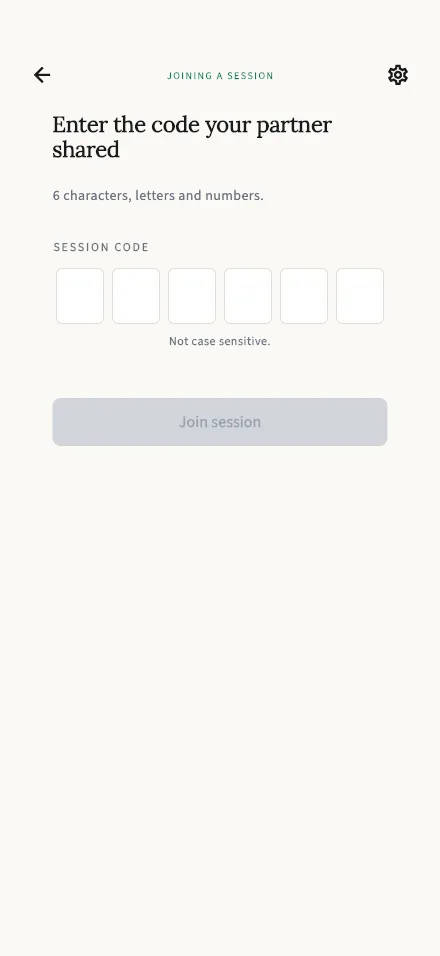
Enter the 6-character code your partner shared with you to join their session.
In-app route: /join
Joining a session
Section titled “Joining a session”Enter the 6-character code your partner shared — letters and numbers, not case sensitive (we uppercase it for you). The Join session button lights up once all 6 characters are in.
If your partner sent you a TalkStik link, the code may already be filled in when this screen opens.
After joining, you’ll both confirm a short consent step. Your partner (who started the session) speaks first — your turn comes right after; see Your turn to listen.
Something not working?
Section titled “Something not working?”- “Session not found. Check the code and try again.” — usually a typo. Ask your partner to read the code out again, or have them start a fresh session and share the new code.
- “Session already has two participants.” — TalkStik sessions are for exactly two people, and two are already in. If one of them should be you, ask your partner to start a new session.
- “Failed to join session.” — usually a connection hiccup; check your internet and try again.