Verify your email
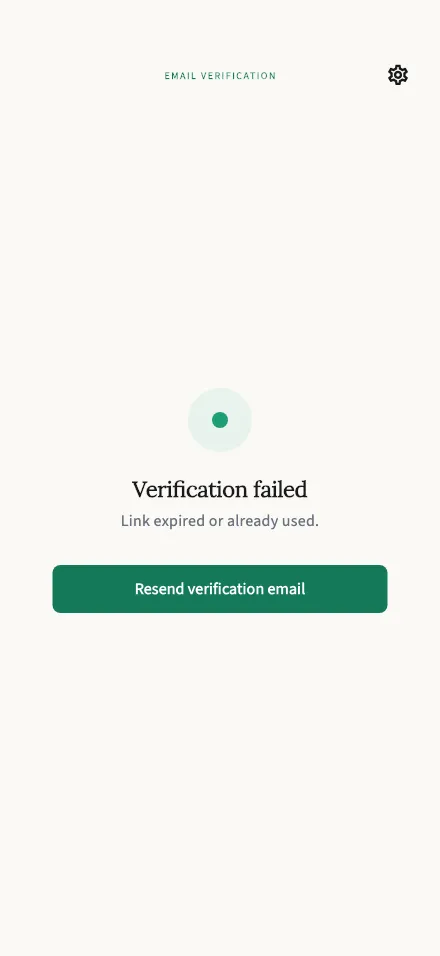
Opens from the link in your verification email and confirms your address — with a resend option if the link has expired.
In-app route: /verify
What this screen does
Section titled “What this screen does”When you tap the link in your verification email, TalkStik opens this screen and confirms your address automatically — there’s nothing to fill in. On success you’ll see Email verified and be taken back to the app a moment later.
You can keep using TalkStik while your email is unverified; verifying just confirms the address is really yours.
“Link expired or already used.”
Section titled ““Link expired or already used.””Verification links are single-use and expire after a while. If you see this message, tap Resend verification email and use the newest email in your inbox — older links won’t work.
A couple of notes on resending:
- You’ll see “Verification email sent. Check your inbox.” when it’s on its way.
- Resending is limited to a few per hour. If you see “Too many requests. Please try again in an hour.”, wait a bit and try again.
- You can also resend later from your profile.
Signed up with Apple or Google?
Section titled “Signed up with Apple or Google?”No verification needed — your provider already confirms your address, so you’ll never see this screen.