Your turn to speak
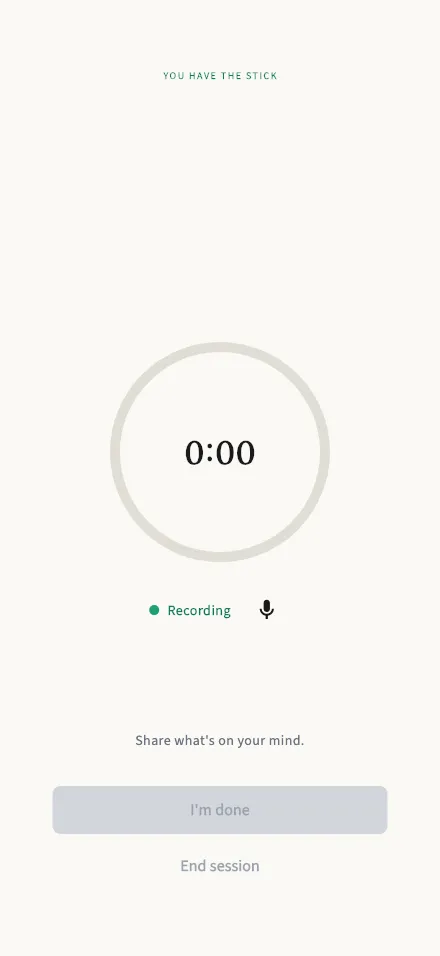
The live session screen while you hold the stick and share; your turn is recorded for your report.
In-app route: /session/:id/active
While you hold the stick
Section titled “While you hold the stick”The countdown shows how much of your 2 minutes remains, and the red dot with Recording confirms your voice is being captured — only the person holding the stick is recorded, never the listener.
- The mute toggle pauses your microphone if you need a moment.
- I’m done ends your turn early and passes the stick — you don’t have to use the full 2 minutes.
- When the timer reaches zero, you move to Time’s up automatically.
Good to know
Section titled “Good to know”- A phone call interrupts? Recording and the timer pause — you’ll see “Recording paused — you’re on a call.” — and resume when the call ends.
- “Uploading recording…” appears briefly after your turn while your audio is saved for transcription. The recording itself is deleted within 24 hours; the transcript is what feeds your report.