Report overview
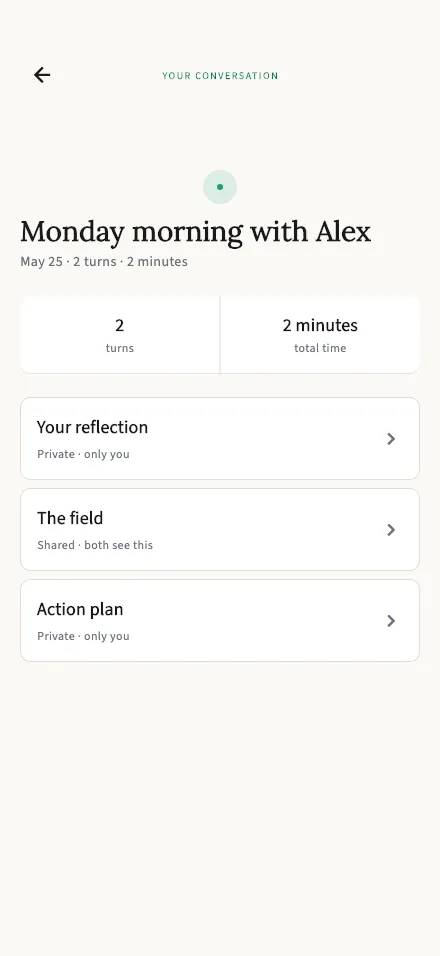
The hub of your session report: key stats and links to each section.
In-app route: /session/:id/summary
View the full-length screen
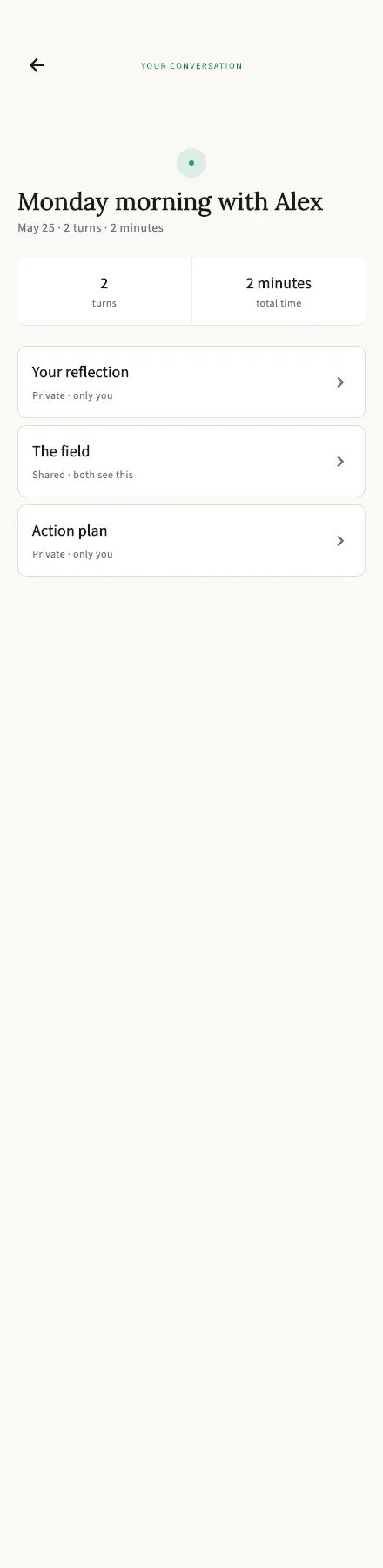
The hub of your report
Section titled “The hub of your report”Each conversation gets a title from when it happened, with the basics underneath: date, number of turns, and total time.
From here, three doors:
| Section | Who sees it |
|---|---|
| Your reflection | Private — only you. Your partner has their own. |
| The Field | Shared — you both see the same thing. |
| Action plan | Private — only you. |
That split is the heart of TalkStik’s reports: one honest shared view of the conversation, and a personal mirror each that the other person never sees.
You can come back to any report later from your session history.